Now in Beta

Every session starts where the last one ended.

FlyDocs installs structured context into your project with skills that activate when needed and guardrails that run automatically. No runtime, no server. Just files that make every AI session more predictable.

From install to your first feature in minutes

From install to your first feature in minutes

No GitHub connection. No web app. No config files to write. Install the FlyDocs CLI and run it in your project directory. It detects your stack, recommends skills for your frameworks, and generates structured context automatically. Open your IDE and start building. The AI already knows your project.

  • Automatic stack detectionTypeScript, Next.js, React, Vitest, and more
  • Skills recommendedbased on what's actually in your code
  • Works with existing codebasesbrownfield-first, not greenfield-only
  • Opinionated defaultscustomize when you need to, not because you have to
Read documentation
Structured context, not context bloat

Structured context, not context bloat

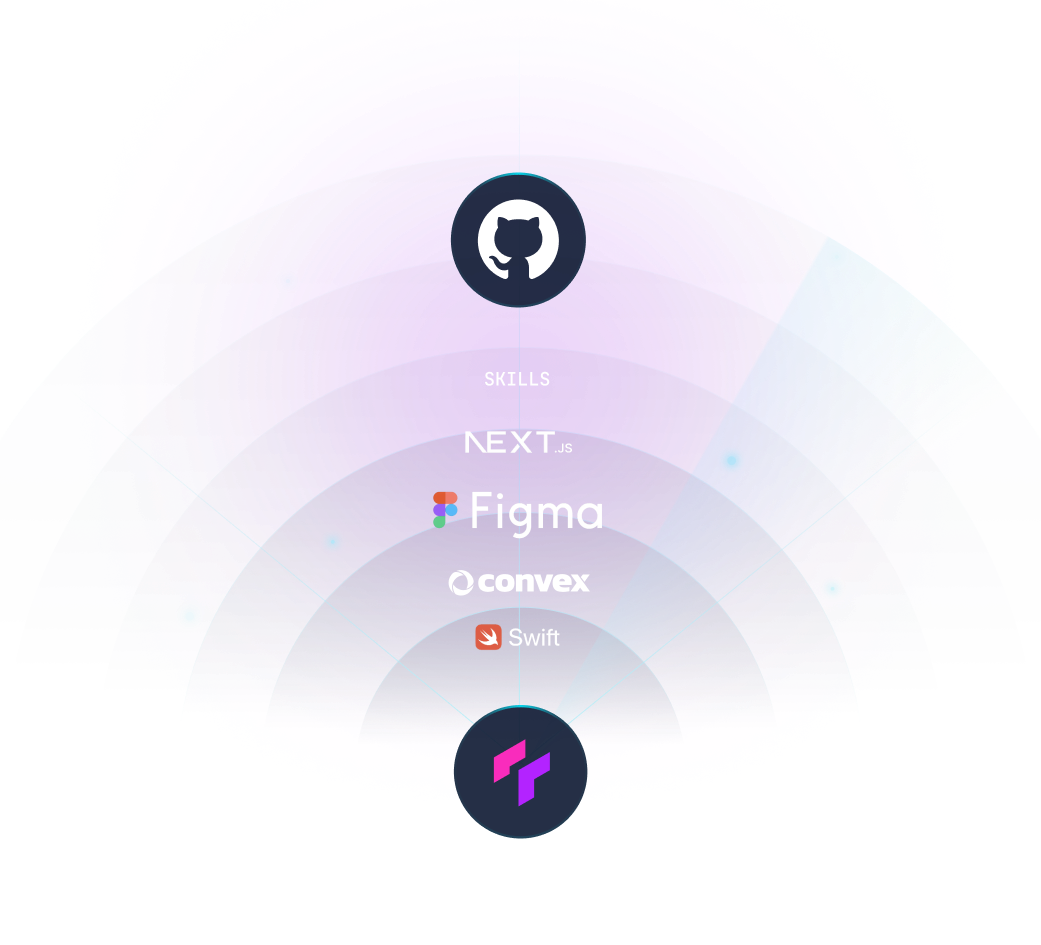
Most AI setups take one of two approaches: dump everything into a massive prompt, or load tool descriptions on every turn whether they're needed or not. Both degrade performance because more tokens don't equal more reliability. FlyDocs structures your project context in layers with a compressed index the AI always has, skill details loaded on demand, and full documentation only when the task needs it. The AI knows what's available without being overwhelmed by it.

  • Session continuitydecisions, progress, and knowledge carry forward automatically
  • Compressed skill indexalways in context, tiny footprint
  • Loaded on demanddetails only when the task requires them
  • Stack-aware from day onedetected automatically from your project
Read documentation
A skills-first architecture

A skills-first architecture

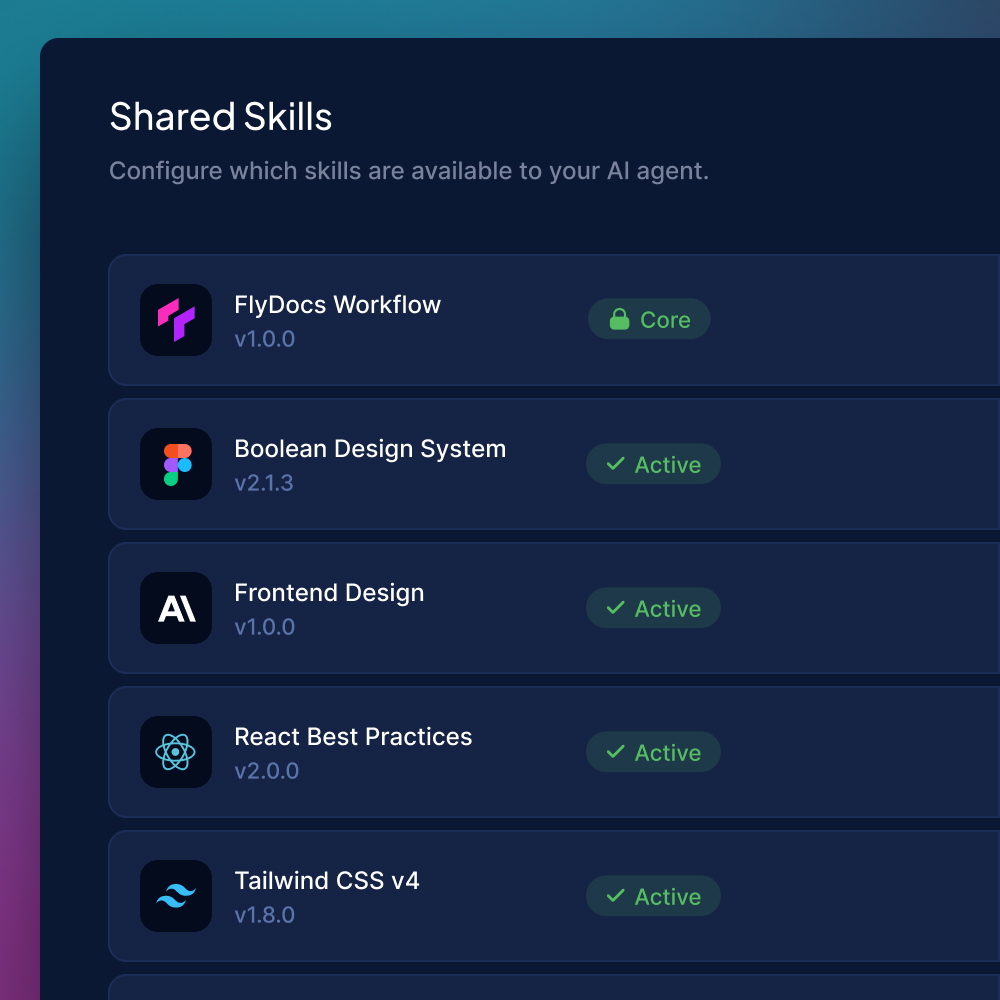
Everything in FlyDocs runs through skills. Platform skills handle your workflow out of the box. Community skills add patterns for your stack like React, Next.js, TypeScript, and testing, and install in seconds. Active skills go further: they replace MCP servers with deterministic scripts that run the same way every time, at a fraction of the context overhead. No tool descriptions loading every turn. No schema the AI interprets differently each session. Just a skill, a script, and a consistent result.

  • Active skills replace MCPssame capabilities, 5-20x less context overhead
  • Platform and community skillspre-built for common stacks, extensible for yours
  • Deterministic executionsame script, same output, every session
  • Portable across projectscopy a skill folder, or share with your team
Read documentation
Your standards, followed automatically

Your standards, followed automatically

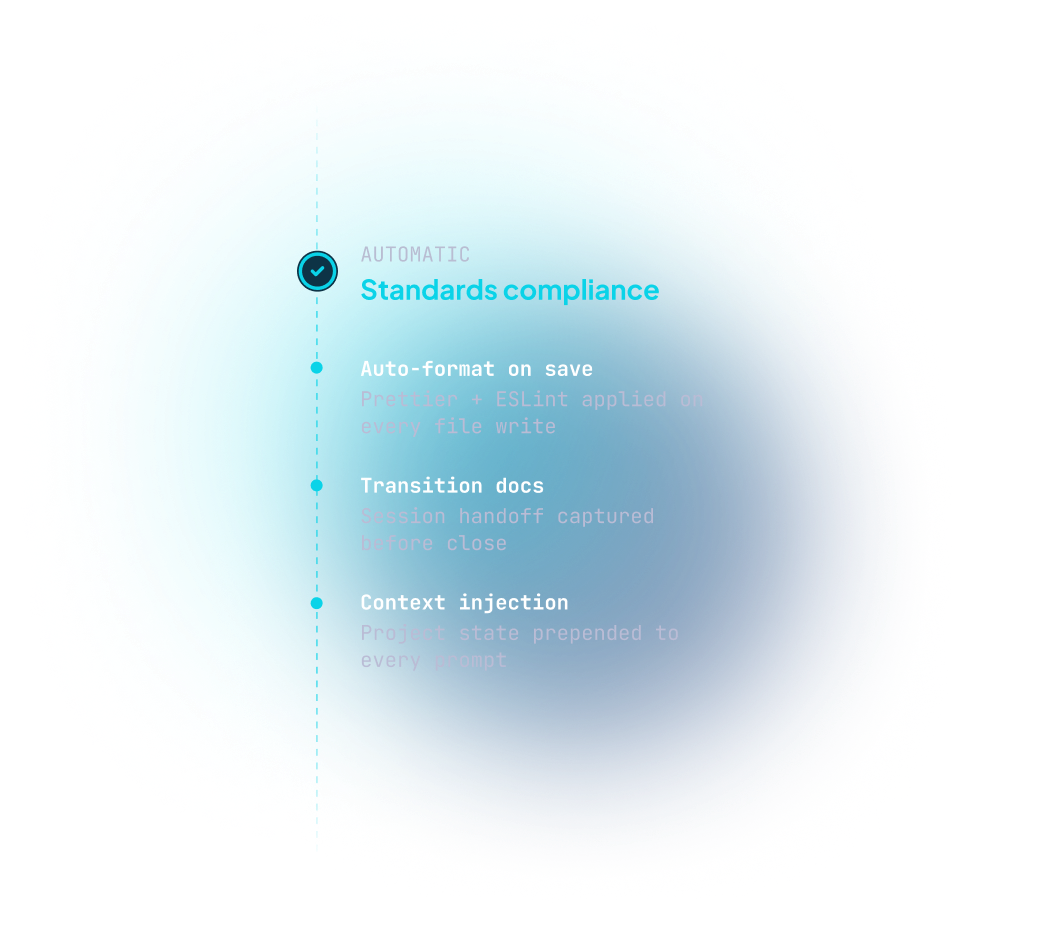
Every AI tool lets you write instructions. But a 400-line instructions file is a suggestion that the AI might follow or might not. FlyDocs hooks fire on every prompt and every edit automatically. Context gets injected before the AI sees your message. Code gets formatted after every change. Skill scripts run without confirmation dialogs. Your standards aren't requests. They're built into the workflow.

  • Context injectionproject context added before every prompt
  • Auto-formattingruns after every file change
  • Script approvalskill scripts execute without interruption
  • Not suggestionsdeterministic hooks that run every time
Read documentation
Works where you work
Coming Soon

Works where you work

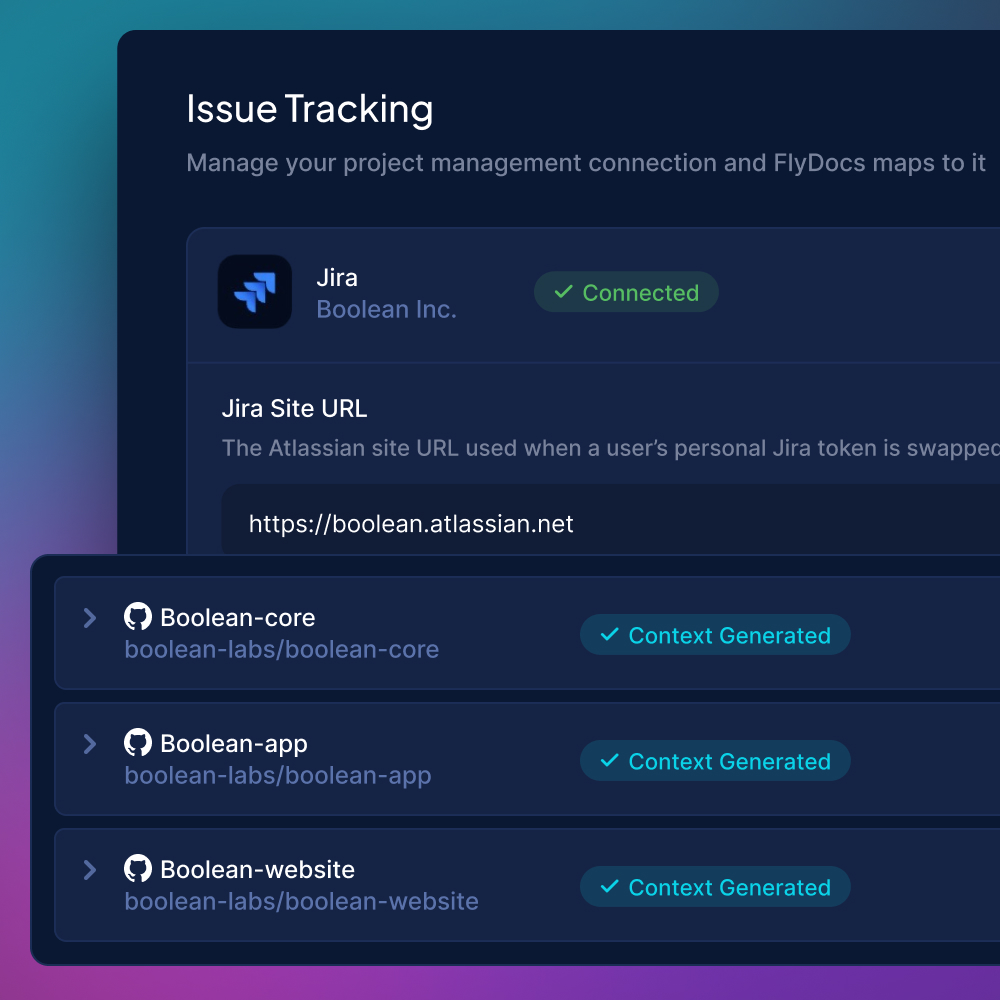
FlyDocs works with the AI coding tools you already use including Claude Code, Cursor, and Windsurf. Local issue management works out of the box with no accounts or API keys. Cloud integrations with Linear, Jira, and more are coming soon. When they land, switching providers means changing one config value, not rewriting your workflow.

  • Claude Code, Cursor, Windsurfsupported today
  • Local issue managementbuilt in, no accounts needed
  • Sync to your product management toolcoming soon with cloud tier
  • Provider-agnostic designswitch tools without switching workflow
AI Spend, Demystified
Coming Soon

AI Spend, Demystified

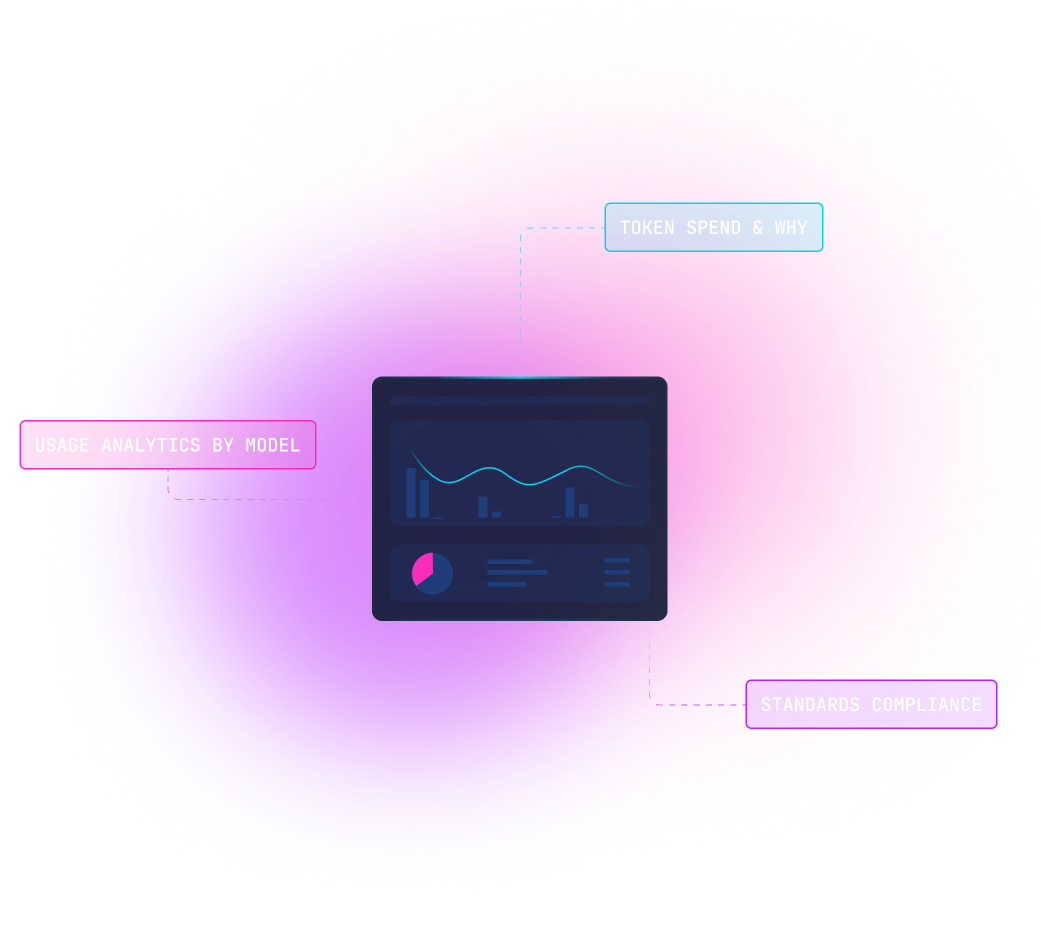
"What are we getting for our AI tool investment?" Right now, nobody can answer that. API bills arrive as a lump sum with no breakdown. The FlyDocs dashboard surfaces what's invisible everywhere else with cost tracking by project and developer, process compliance metrics, context health, and trend data over time.

  • Cost trackingper project, issue, and developer
  • Process complianceare standards actually being followed?
  • Context healthis the installation current and functional?
  • Trend analysisand forecasting

Built for Your Role

Individual Developers

Individual Developers

Stop re-explaining your project every session. FlyDocs generates context from your codebase, encodes your patterns as skills, and picks up where yesterday left off. Free. Open beta. No account needed.

Engineering Managers

Engineering Managers

Encode your team's standards as skills the AI actually follows. Deterministic hooks enforce formatting and process automatically. No more reviewing PRs for the same pattern violations.

Product Managers

Product Managers

Specs go into a ticket but you never know how the AI interprets them. FlyDocs structures the workflow with transitions, required context, and visibility into what happens during implementation. Local issue management today, Linear and Jira integration coming soon.

Executive Leadership

Executive Leadership

Prove ROI on your AI tool investment. Cost tracking, compliance metrics, and usage data provide the visibility layer that doesn't exist anywhere else. Coming with the cloud tier.

Works with your stack

GitHub
GitLab Coming soon
Cursor
Claude Code
Windsurf
work management
Linear
Jira Coming soon
GitHub Issues Coming soon
Asana Coming soon
ClickUp Coming soon

Three commands. Under a minute.

$ npm install -g @flydocs/cli@beta
$ cd your-project
$ flydocs