How FlyDocs Works
FlyDocs connects your stack, enforces your standards, and keeps your project board current from setup to shipped PR.
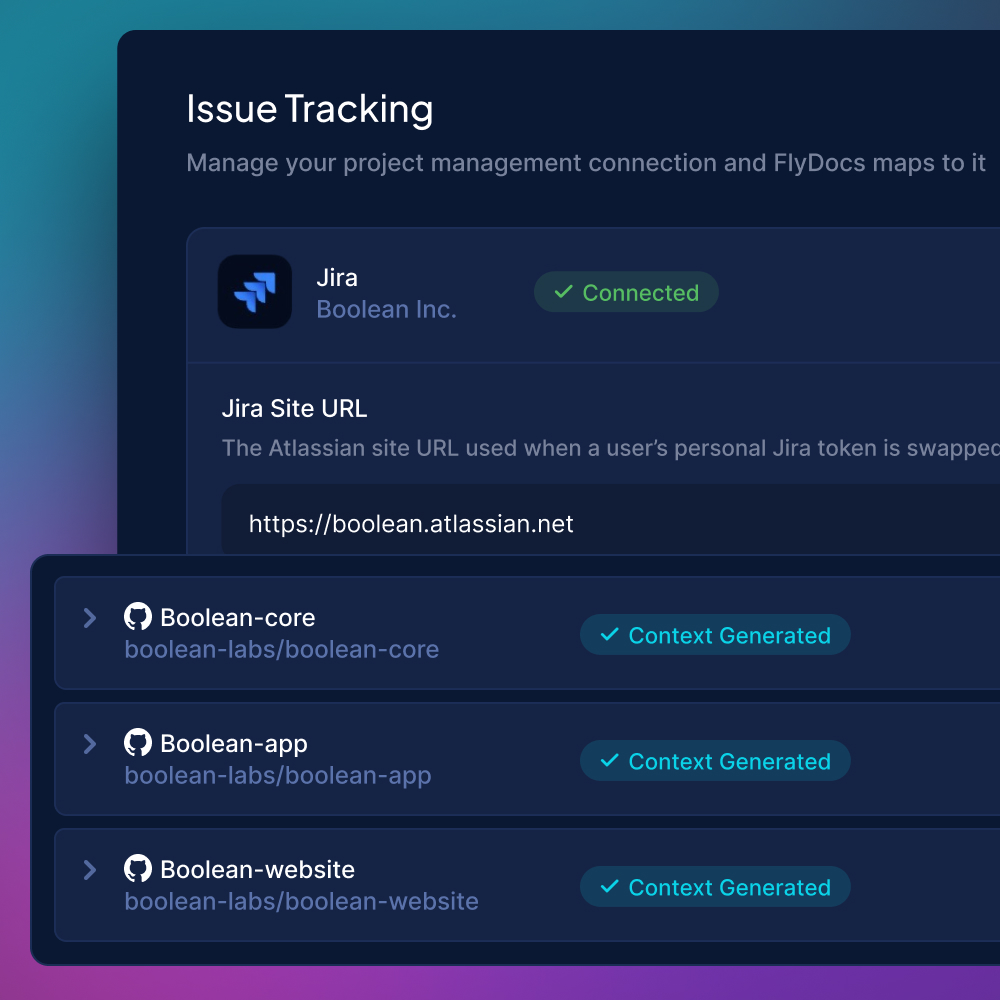
Connect your stack
FlyDocs scans your codebase, indexes your standards, and pulls in your active tickets. By the time setup finishes, it has the project context it needs to start working: frameworks, conventions, and the active sprint.
- Stack and framework detection
- Standards indexed from the codebase
- Active tickets pulled from Linear or Jira
- Multi-repo workspaces inherit one config
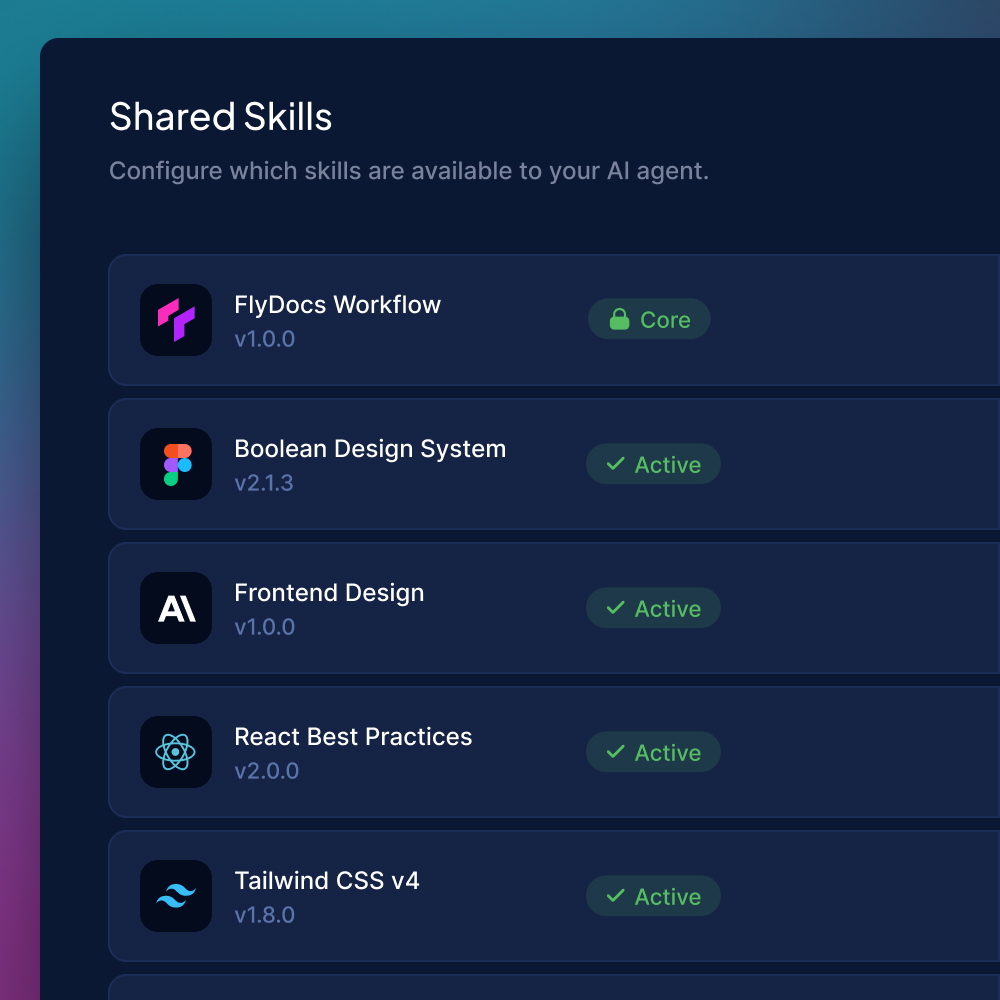
Shared skills
Pick the skills your developers can call on, set the workflow rules that gate every change, and define the standards every AI session has to respect. Configured once in the portal and applied everywhere: every repo, every IDE, every session.
- Server-managed skill library
- Workflow rules and gates per workspace
- Standards distributed automatically
- Update once, every dev syncs on next run
Open your IDE and start working
Developers code the way they already do. FlyDocs loads the active ticket as the working brief and hands the agent the context it needs. No new IDE, no separate workflow tool. Your existing agent session is the workflow.
- Cursor, Claude Code, Warp, Codex, and Windsurf supported
- Active ticket loaded as the session brief
- Project context injected on every prompt
- Slash commands for the full lifecycle
Watch progress sync in real time
The moment a developer starts a ticket, it moves to In Progress. As the session unfolds, comments and status flow back automatically. Your tracker reflects what is actually happening, not what someone remembered to update.
- Status transitions write to Linear or Jira instantly
- Comments and activity flow both directions
- Acceptance criteria tick as work completes
- Your credentials are never stored, only used when needed
Let the agent work inside guardrails
The agent reads, writes, edits, and tests across your codebase, with FlyDocs gating every action against your rules. These aren't instructions the agent might follow. They're hooks it can't bypass. Code formats on every edit. Status changes get documented. Incomplete work can't ship as done.
- Auto-format on every file change
- Status transitions require comments
- Stop-gates block premature completion
- Same enforcement across every AI session
Wrap up and everything closes itself
When the developer wraps for the day, FlyDocs opens the PR, ticks acceptance criteria, posts the session summary, and moves the ticket to Ready for Review. The work and the record end in the same place. Tomorrow's session picks up where this one left off.
- PR opened with the work in context
- Session summary posted automatically
- Ticket transitions to Ready for Review
- Next session resumes with full memory
Ready to see it in your workflow?
FlyDocs enforces your workflow, syncs your PM tools, and gets your team building with AI the way you actually want them to.